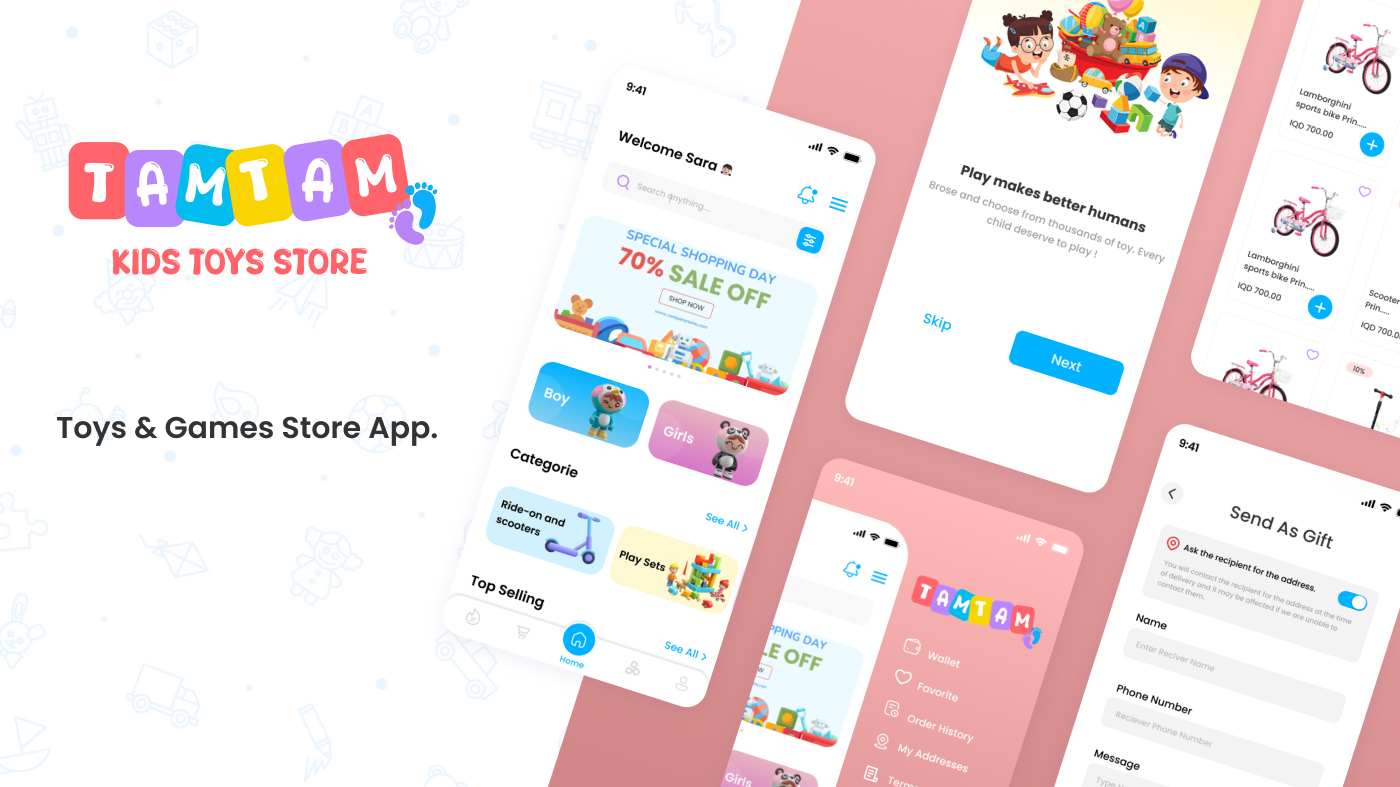
The idea of the application :
A special online store selling children’s products and toys.
First: application pages :
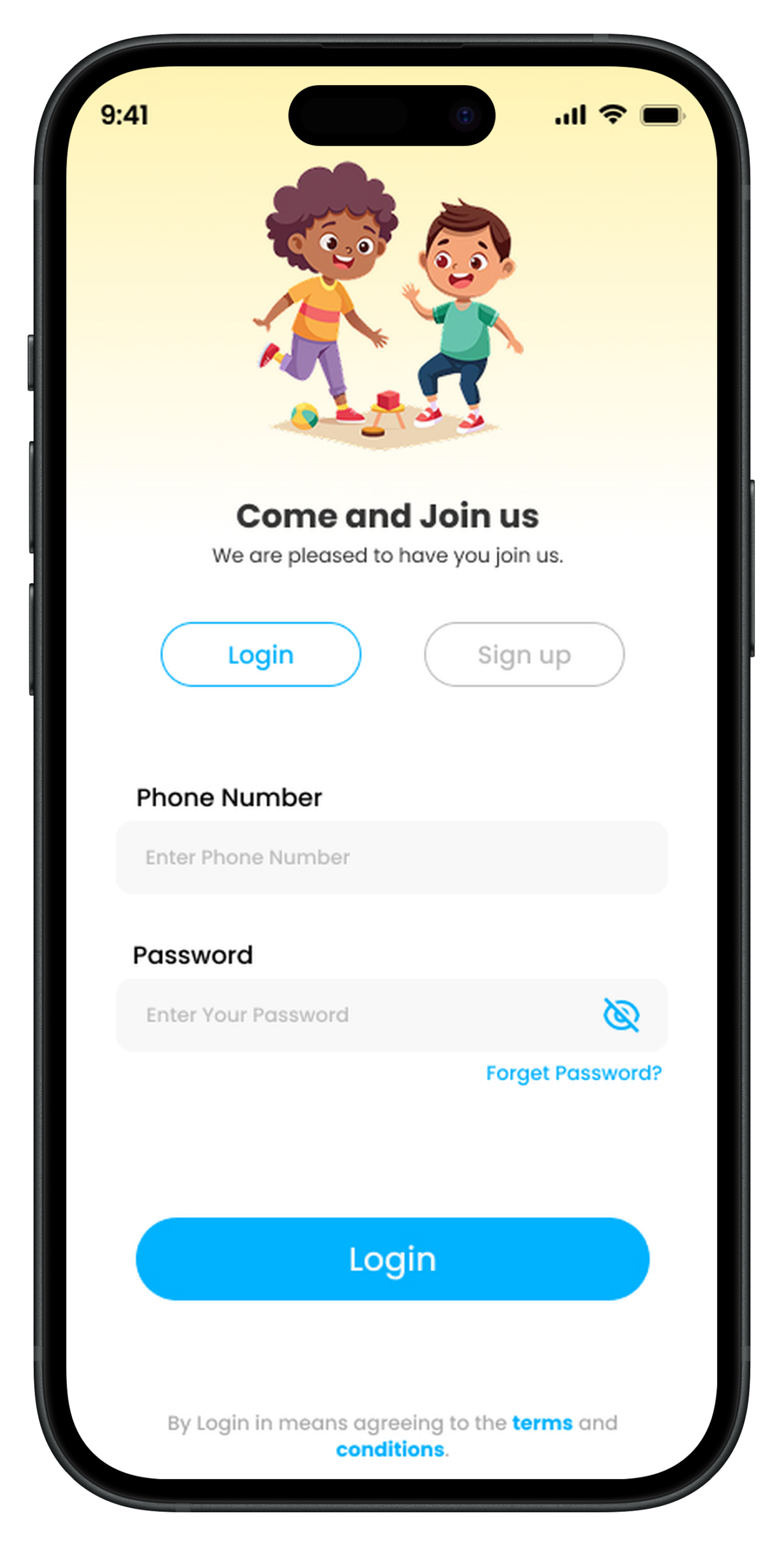
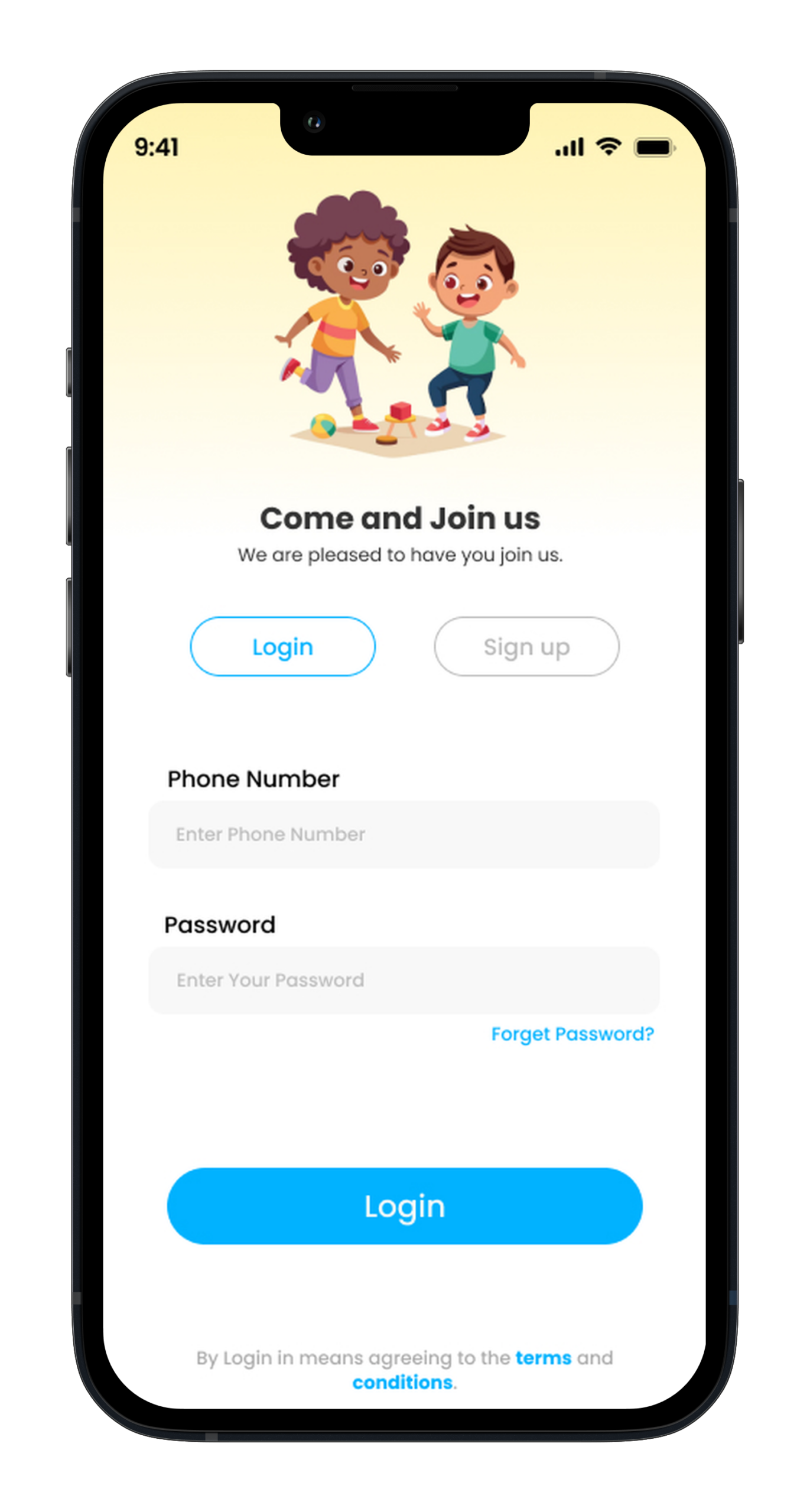
(Login page)
Registration is by phone number and OTP is sent to verify the number.
(Footer bar)
Contains (home-offers – send a gift – basket-categories )
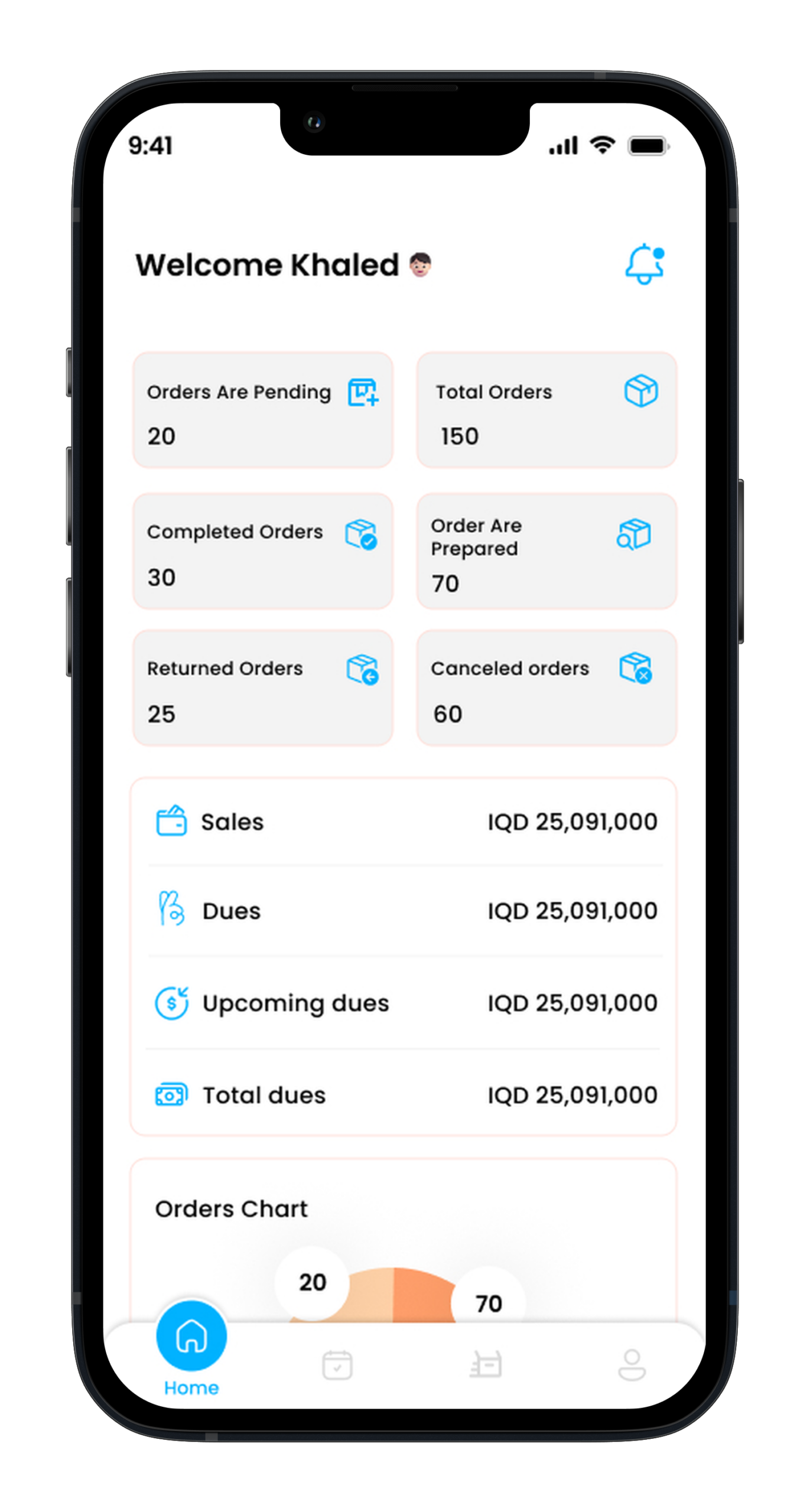
(Main page)
Contains ( Search – Notifications-banners – sections-bestsellers-best offers-other sections-Side Menu )
Through the control panel, the addictcan send a notification in the form of a title and description .
Updates of ordersby notifications.
Banners :
Bannersareaddedthroughthe controlpaneland consistofan imageand a linkorchoosethe sectionto which they are directed.
There are bannersatthe top of the page, in the middle and at the bottom.
The bannersthat are locatedin the middleof the page containproductspricedlessthan 10 dinars or products less than 20 dinars that can be controlled through the control panel.
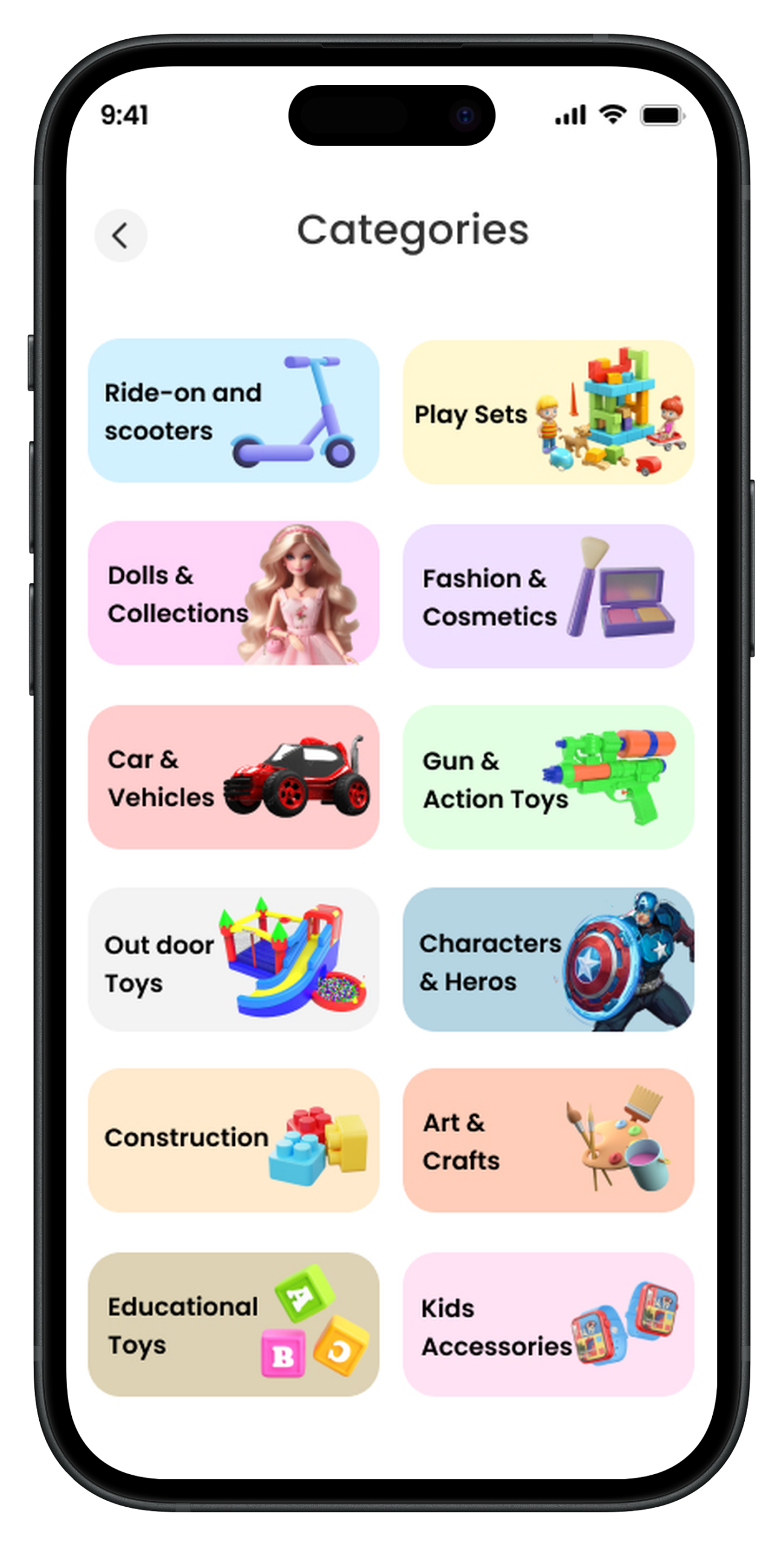
Categories :
There are two types of sections (Categories – Subcategories) .
There isa section for girlsand a sectionforboys ( whenthe productis addedthroughthecontrol panel, the genderis specified, then when choosingthe gender of a boy, this product appearsinsidethe boy‘s section, and soon, the boy‘s sectionan
Insidethe sectionsthere isa filter.
There is a section for brands and when choosing a brand, a page for products of this brand appears to the user.
Bestsellers :
It will be in the form of a small banner when pressed that shows the products inside.
Best offers :
There will bea smallbannernextto the best-selling banner when you click on it showing the products inside.
Other sections :
There are sectionssuchas birthday products and .…Thesesections can be controlled through the control panel in terms of (adding or modifying the name of the section – the products inside it ).
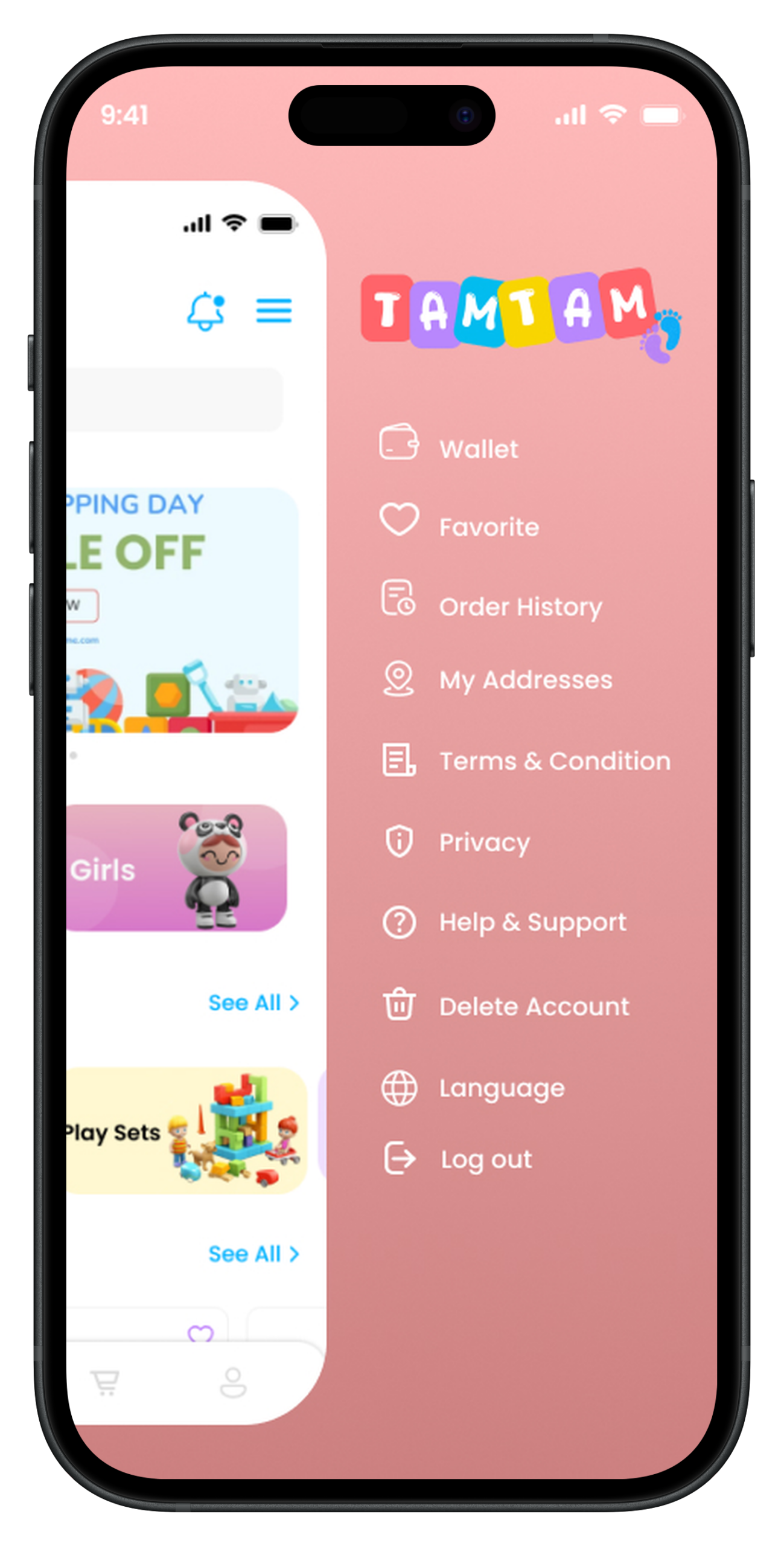
Side Menu :
It contains
Wallet ( contains the customer‘s balanceand is shippedandhas a transactionhistory)
Discountcodes(discountcodescanbepercentageor quantity meaning 10% discountor10 JDdiscount).
My favorite.
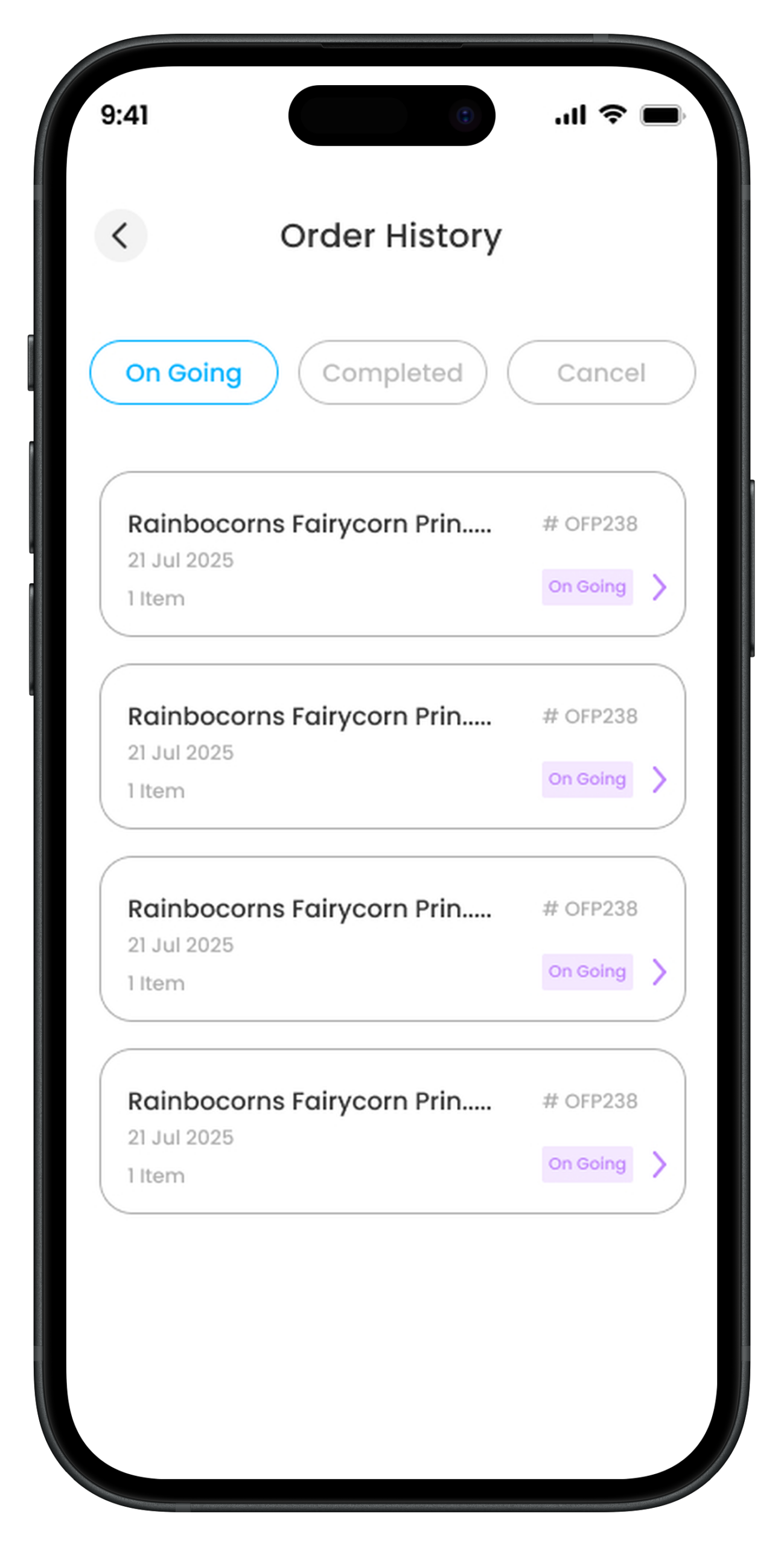
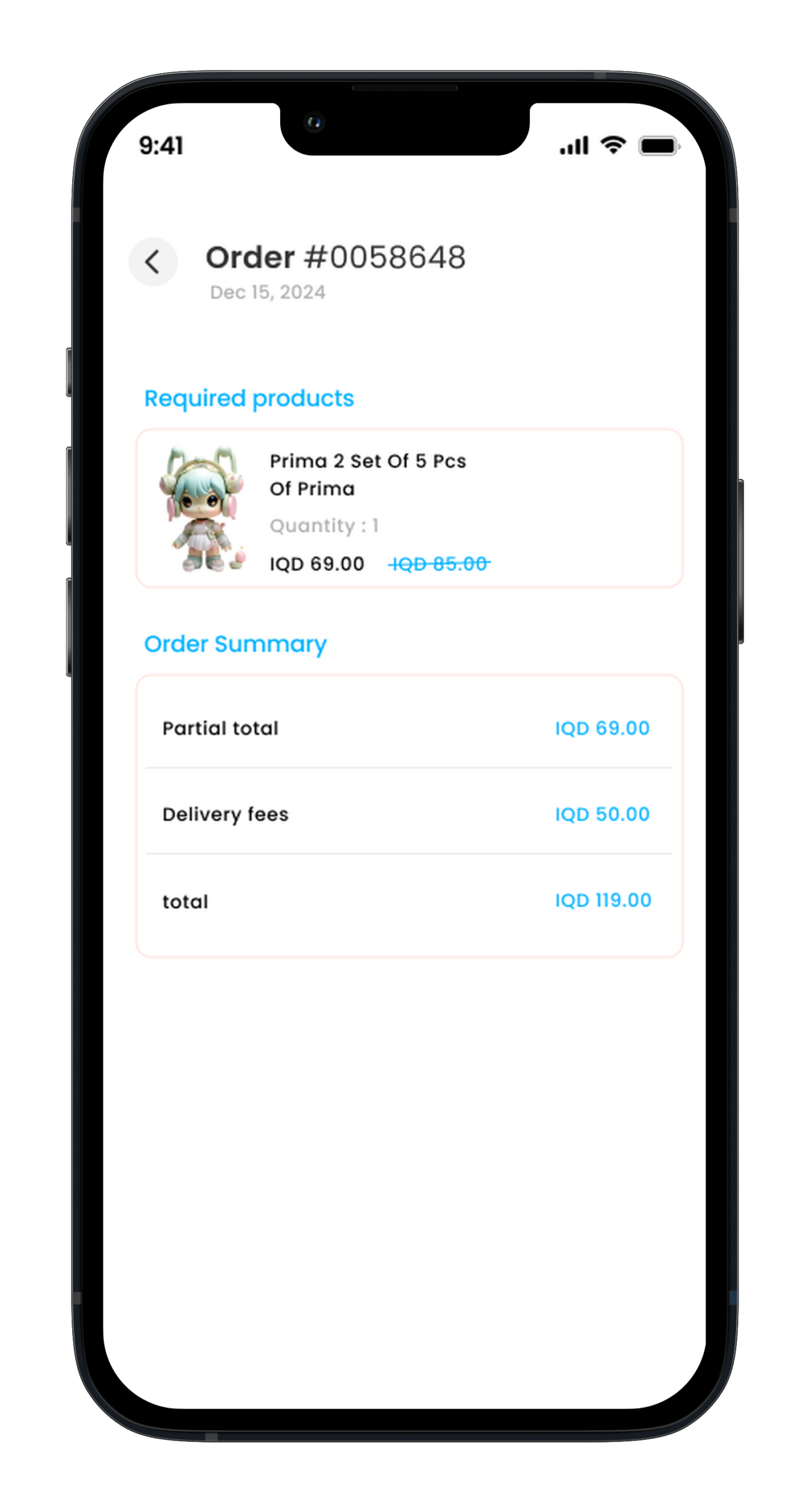
Register orders.
The address.
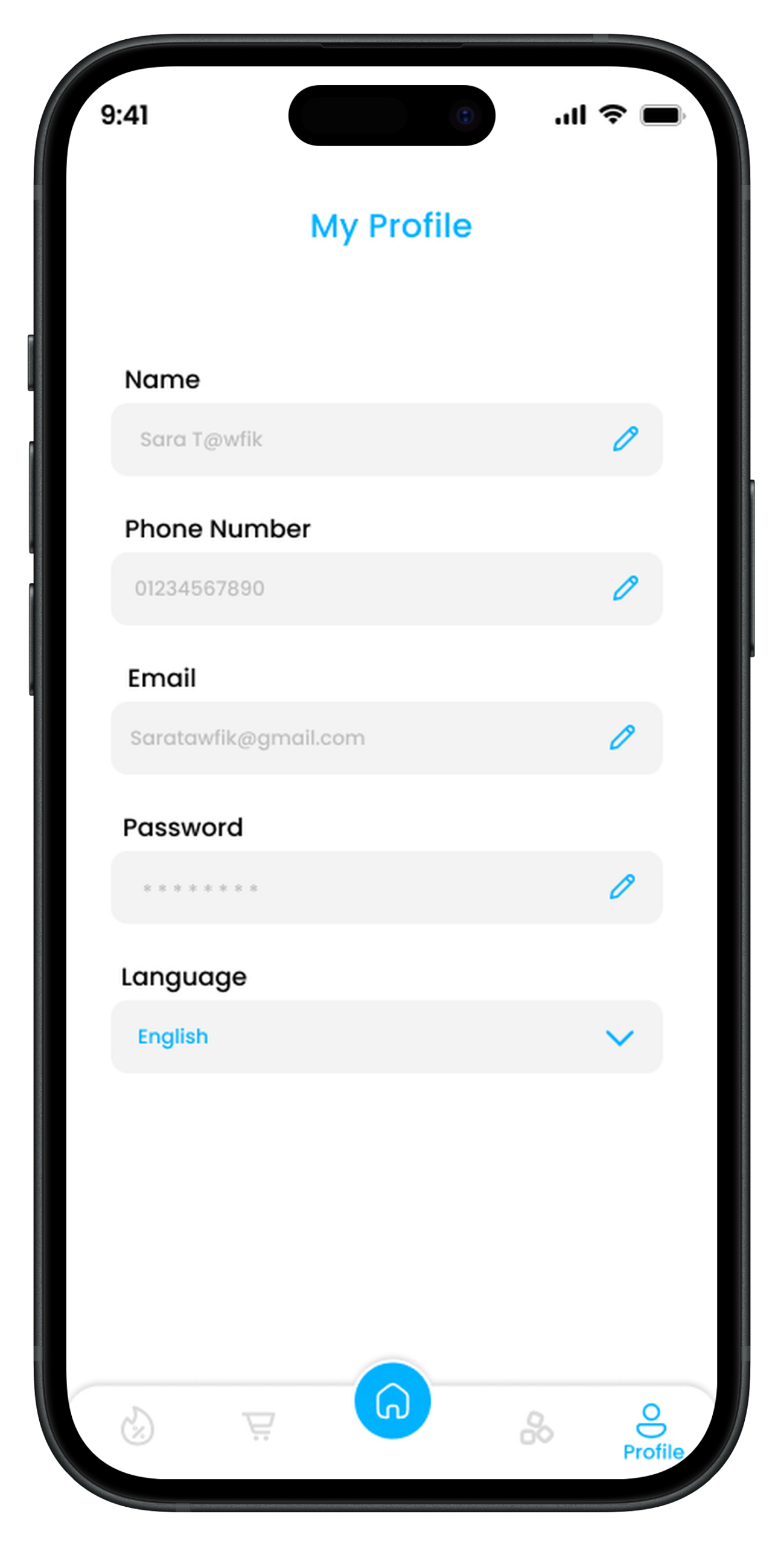
Settings :
It contains :
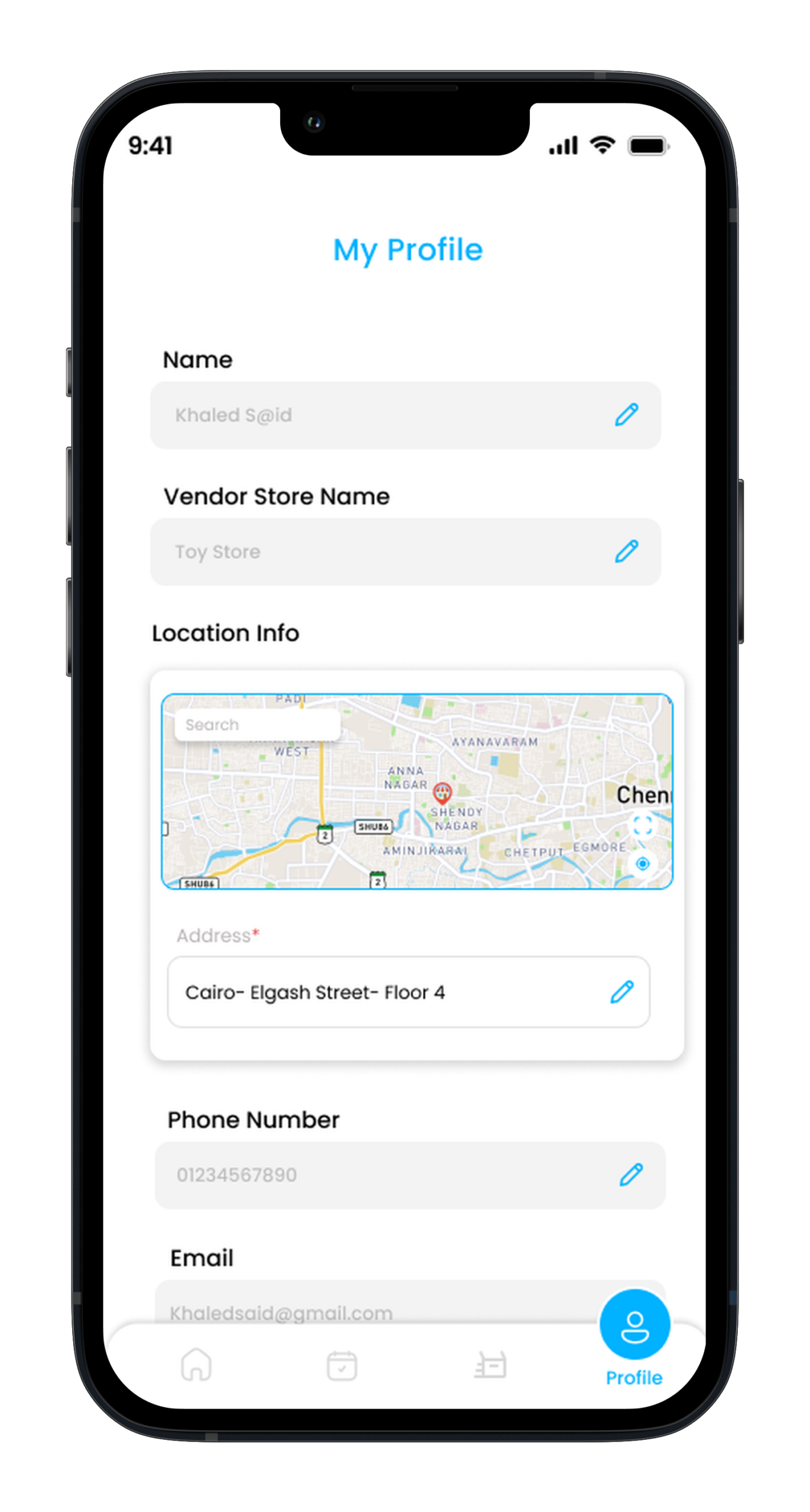
1-e-mail 2-phonenumber 3. name 4-password 5-the state 6-language 7-notifications ( controlthe closingof notifications ) 8-return and refund policy. 9– termsand conditions. 10-PrivacyPolicy. 11-deletethe account.
Support ( send an e-mail or contact by phone ).
(Offers page )
(Send a gift page)
The userselectsthe product .
Enterstheaddressee’s information ( name-gender-age-phonenumber-email-address )
The usercan writea message(description )
Productpackaging ( optional )
Payment ( paymentis madethroughthe senderand paymentincludesthe price of the product, packagingand delivery )
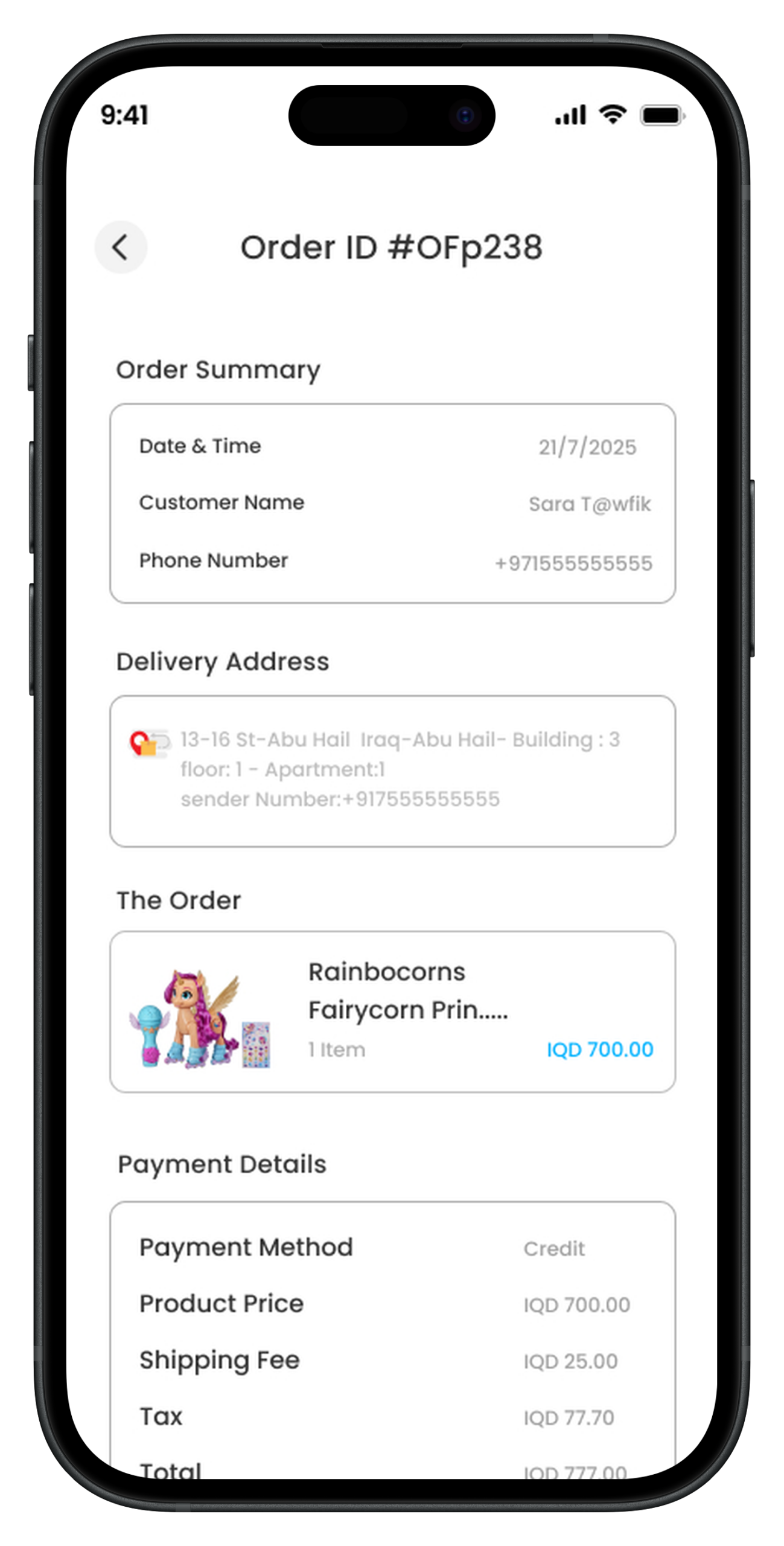
Orderconfirmation.
Note: when the product is delivered, a notification will be sent to the sender if the delivery has been completed.
(Basket page):
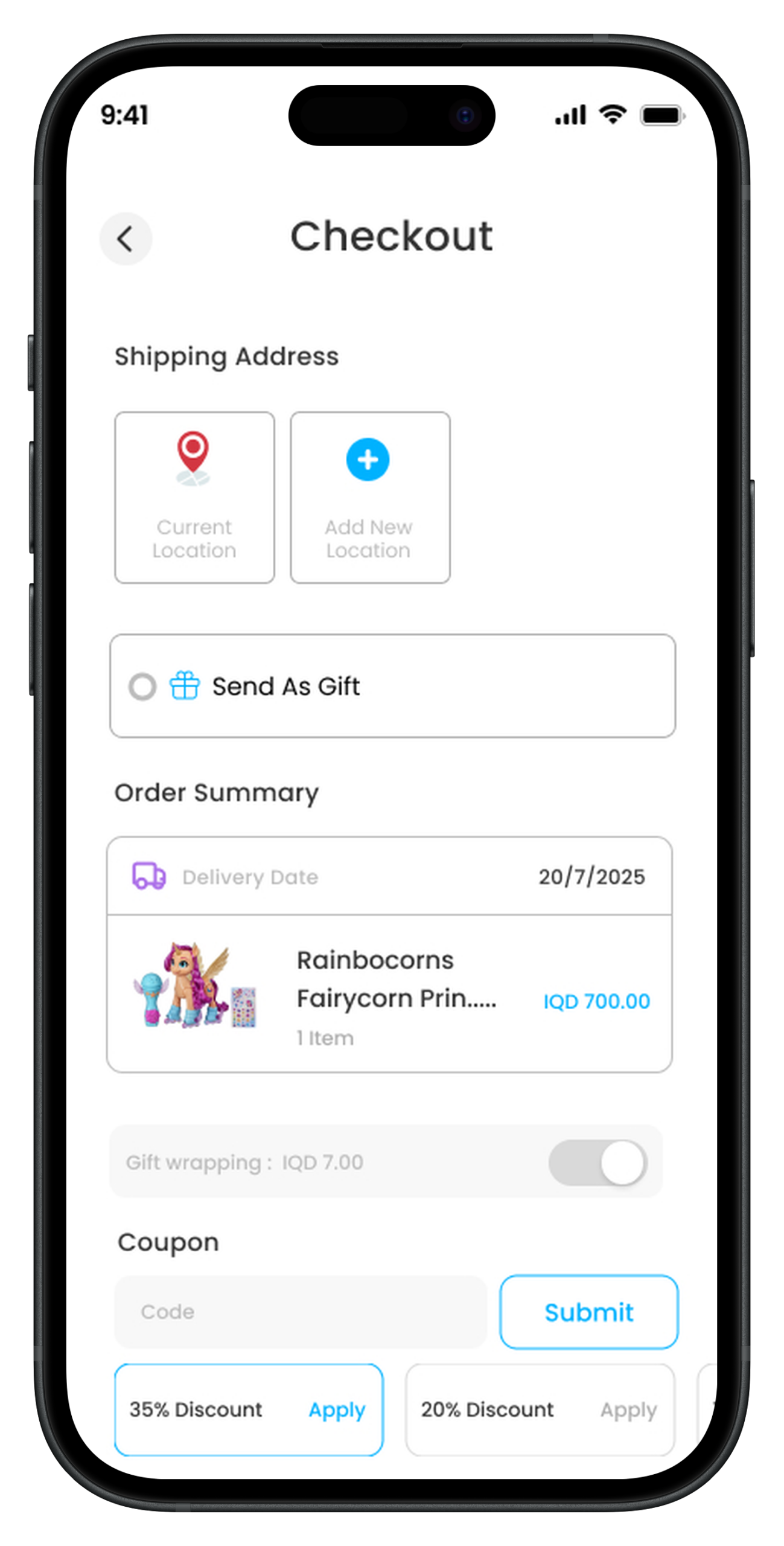
Productdetails.
Specifythe address.
Product packaging selection(optional) (the user selects the form of packaging and each form has a specific price specified through the control panel).
The usercanusea discountcode ( the discountcodeiscreatedthroughthe controlpanel )
Shippingexpenses ( shipping company API willbe providedthroughthe customer )
Payment ( via wallet/ Popatpaymentisprovidedthroughthe client).
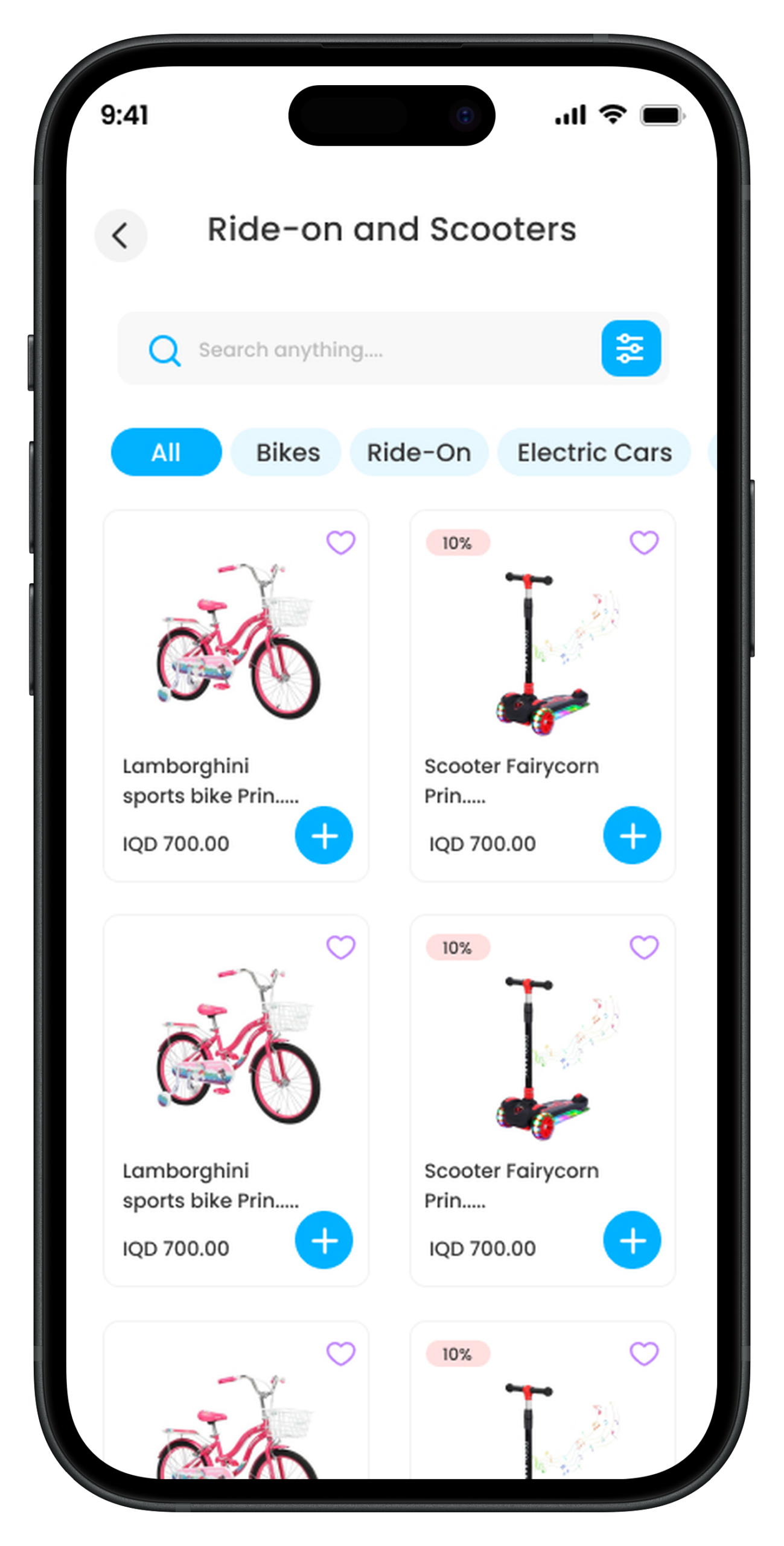
(Sectional page ):
It containsthe mainsections
Insideeachsectionthere areits own productsand a filter can be made
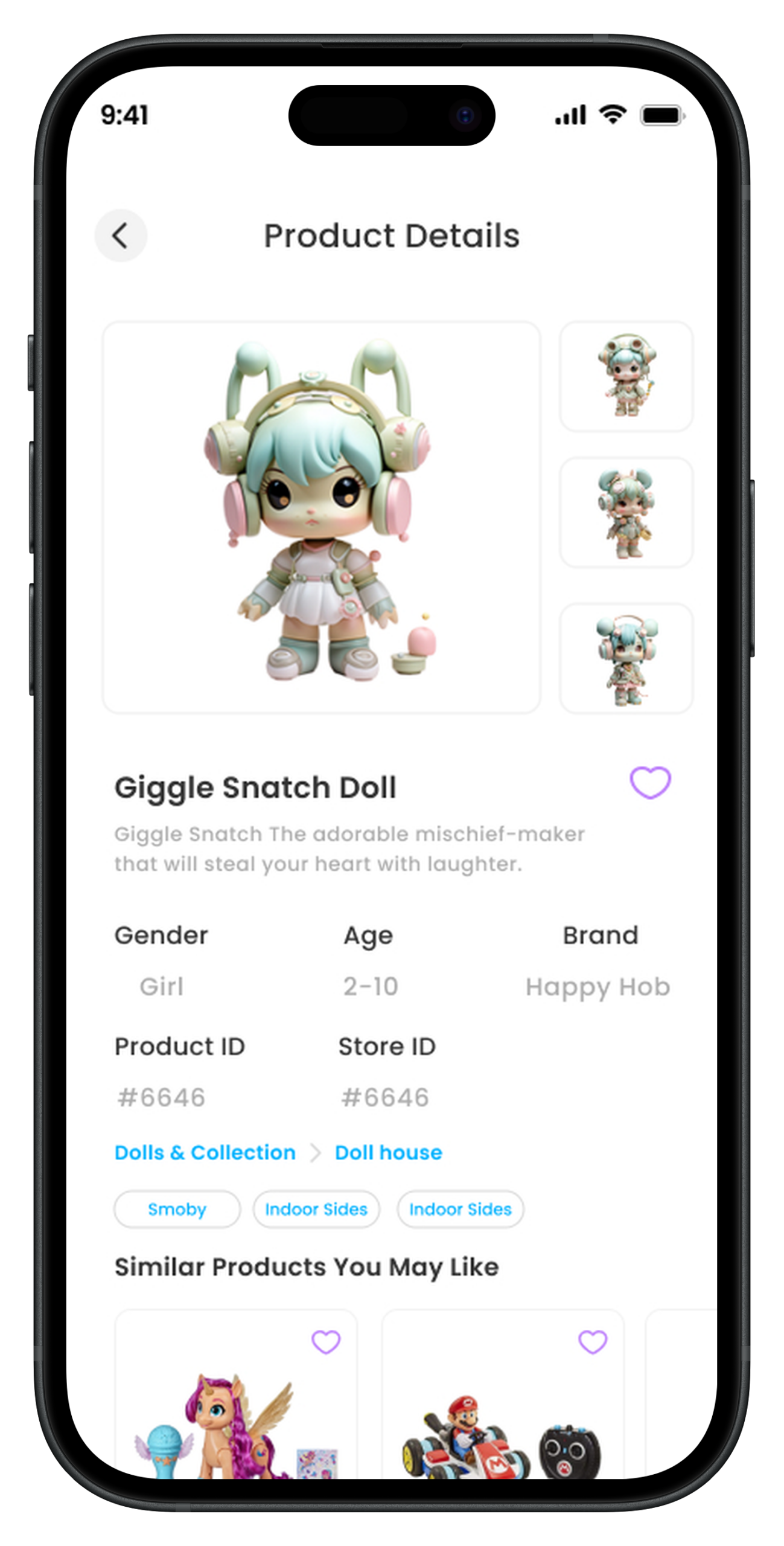
(Product page )
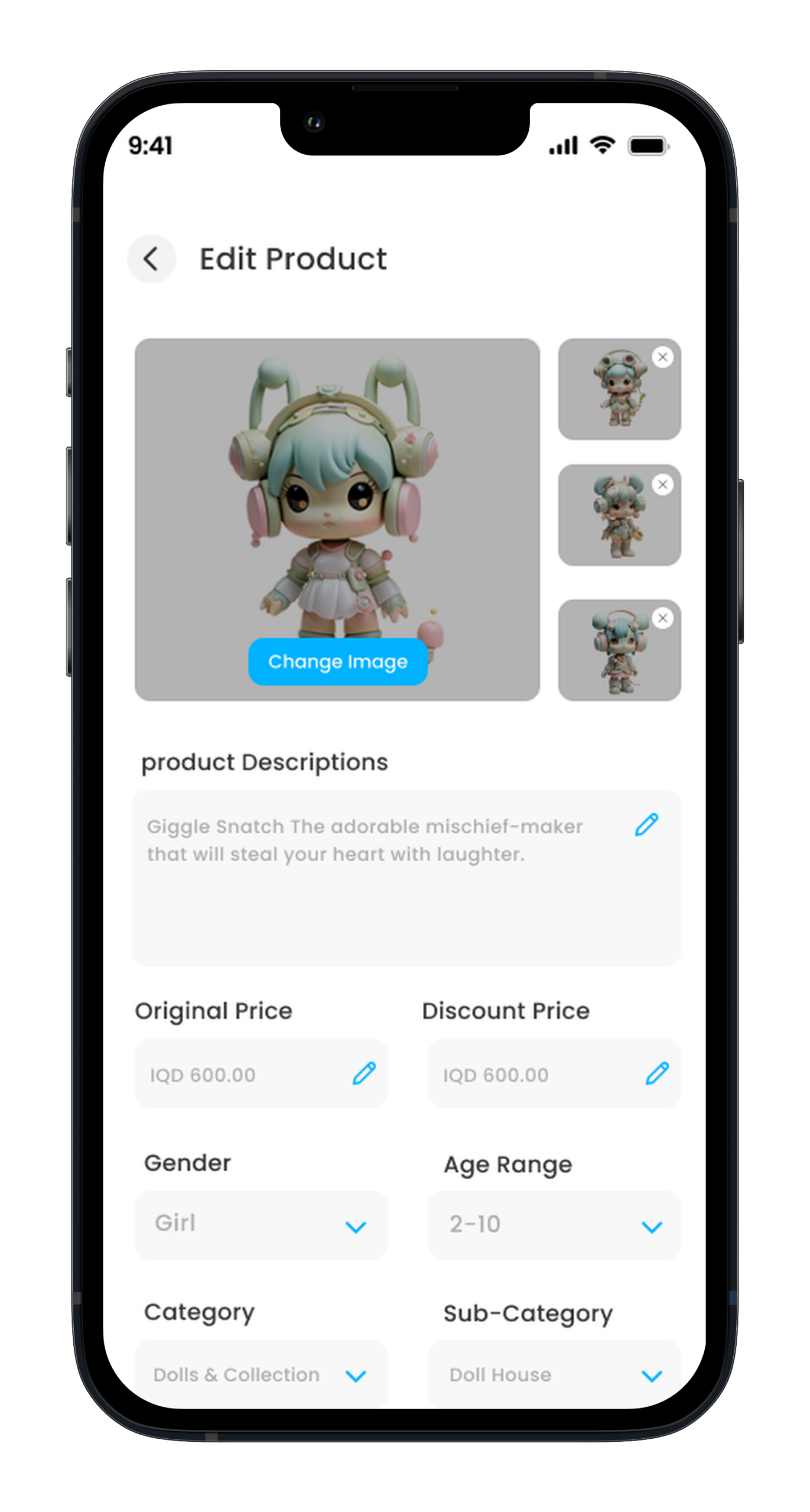
Photos(more than one can be added ).
Name:
Description
Favorite icon
Shareicon
Gender (boy / girl )
Age:( +10 / +8 / +7 )
AddTags ( they are addedthroughthe controlpanel )
Relatedproducts
Apercentage/quantity discount can be added to the product.
Application languages :
Arabic
English
Kurdish
Software notes :
The productisaddedthroughthe addictivecontrol panelfor eachmerchantandthe productis displayedinthe applicationbythe name of the applicationand notby the name of the merchant
Whenthe userpurchasesa product, this request goesto the merchant who owns this product.
A deliverycompanywillbe connectedto the application ( after agreeing on the cost, the client will provide the API of the delivery compan